
Solutions by job type
Installs, planned maintenance, emergencies, inspections, warranty claims, recurring routes, projects and contracts: each has its own rhythm. Here is how FSM Flow runs each one end to end.

Installations & new equipment
Multi-day installs, commissioning and hand-over.

Preventive maintenance
Service plans, PM schedules and maintenance agreements.

Emergency & reactive repair
Same-day dispatch, on-call rotations and SLA response.

Inspections & compliance
Regulatory testing, deficiency reports and audit trails.

Warranty & recall work
OEM claims, covered parts and no-charge visits.

Quotes, estimates & site surveys
Options-based quotes, e-signature and follow-up.
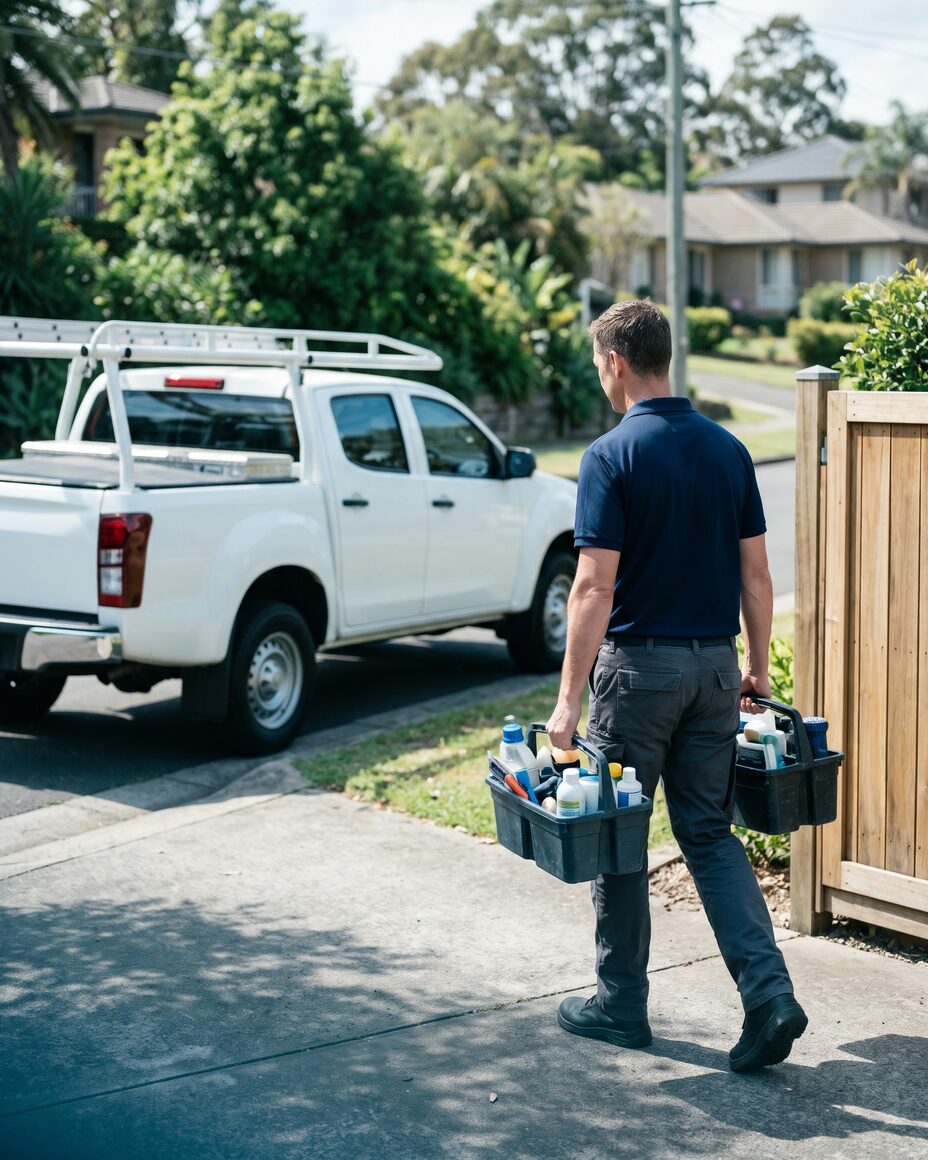
Recurring route service
Weekly and monthly stops, route density and per-visit billing.

Projects & multi-phase jobs
Phases, progress billing, change orders and subcontractors.

Service contracts & SLAs
Entitlements, multi-site customers and renewals.

Asset & equipment lifecycle
Install base, serial tracking and replacement timing.

Callbacks & quality control
Rework tracking, first-time fix and technician coaching.

Seasonal & surge work
Start-ups, shutdowns, storm response and peak dispatch.


Or browse by trade
Popular industries
All industriesWhat is a job type in FSM Flow?
Can I create my own job types and forms?
Does FSM Flow handle recurring work and one-off jobs together?
How does billing differ between job types?
See your own workflow in FSM Flow.
Start a free trial and set up your job types in an afternoon, or book a demo and we’ll configure a template for your trade together.
14-day free trial · No credit card required · Cancel anytime